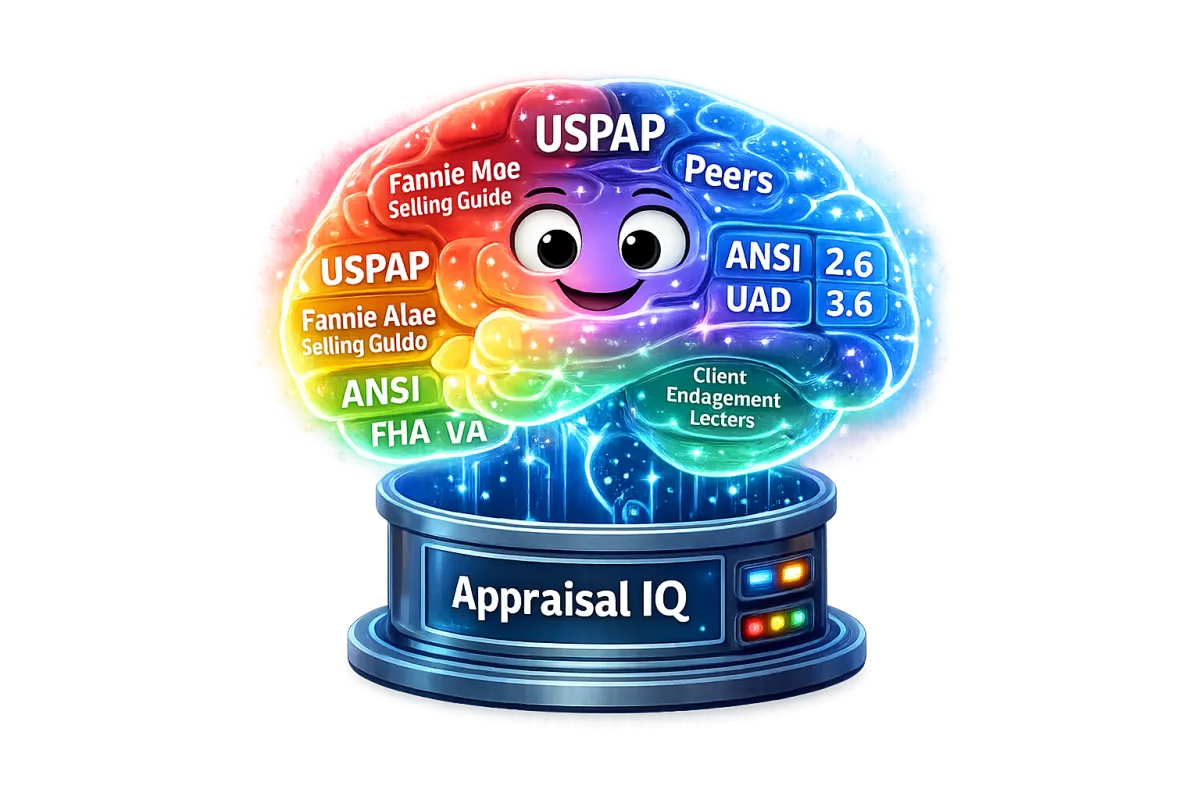
How To Use Appraisal IQ
Appraisal IQ is most powerful when you use it like a built-in reviewer before you ever hit submit.
It is designed to help appraisers:
Catch revision triggers early
Improve narrative clarity & internal consistency
Reduce risk with compliance-focused language
Increase “submission confidence” before delivery
The Best Way to Use It (Simple Step-by-Step)
Agents use Appraisal IQ to better understand the appraisal process and avoid preventable valuation issues.
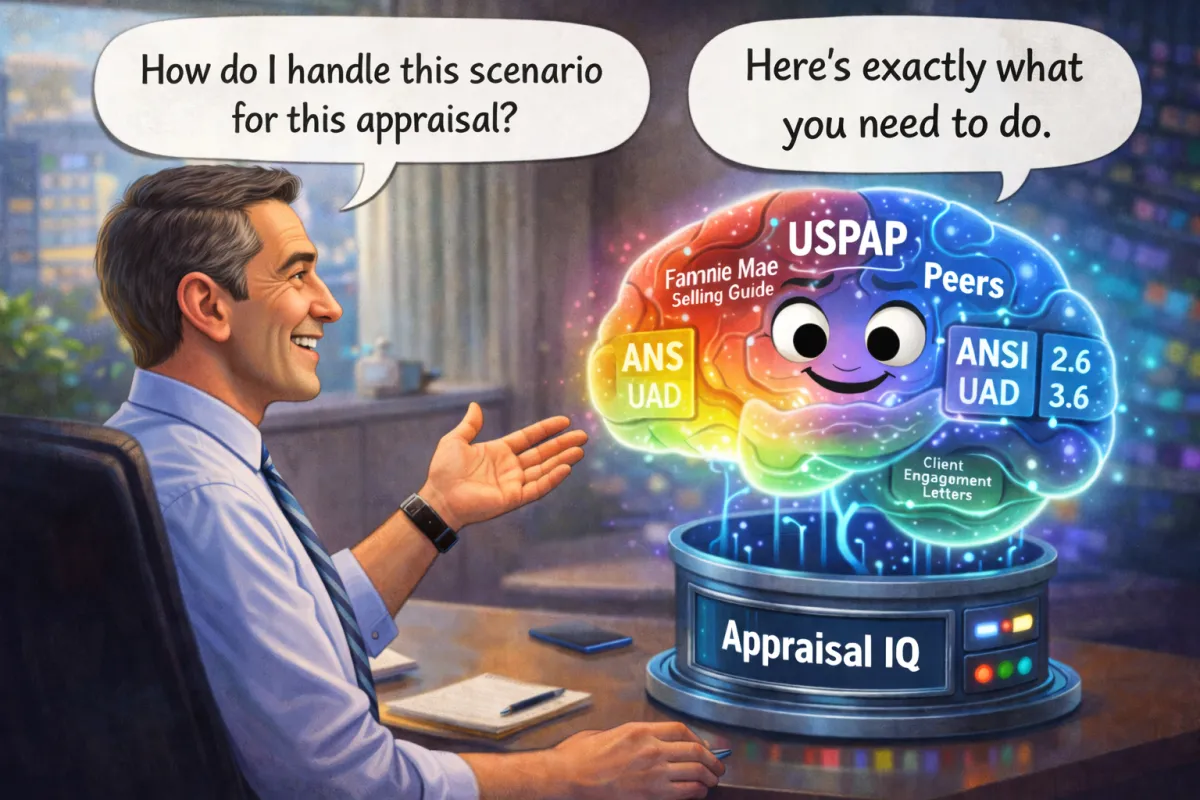
The Best Way to Use It (Simple Step-by-Step)
Agents use Appraisal IQ to better understand the appraisal process and avoid preventable valuation issues.
Step 1: Upload the Right Source
Appraisal IQ can review two different types of report data:
PDF Review
(Full Narrative + Visual QC)
Best for:
Photos & captions
Sketch + room count consistency
Commentary clarity
Addenda review
Boilerplate/friction checks
Completeness & formatting issues
XML Review
(UAD/MISMO Structured QC)
Best for:
UAD/enum validation
Missing required fields
Checkbox logic issues
Form presence flags
Program detection (FHA/VA/Conventional)
Internal contradictions within structured data
➡️ Best Practice: Run both if available (PDF + XML)
Step 1: Upload the
Right Source
Appraisal IQ can review two different types of report data:
PDF Review
(Full Narrative + Visual QC)
Best for:
Photos & captions
Sketch + room count consistency
Commentary clarity
Addenda review
Boilerplate/friction checks
Completeness & formatting issues
XML Review
(UAD/MISMO Structured QC)
Best for:
UAD/enum validation
Missing required fields
Checkbox logic issues
Form presence flags
Program detection (FHA/VA/Conventional)
Internal contradictions within structured data
➡️ Best Practice: Run both if available (PDF + XML)
Step 2: Ask Appraisal IQ to Run QC
Once your file is uploaded, simply request QC like this:
Upload the Right Source
Appraisal IQ can review two different types of report data:
“Run PDF QC”
“Run XML QC”
“Run Full QC (PDF + XML)”
Appraisal IQ will return issues categorized as:
Critical (likely to cause revision)
Minor (cleanup suggestions)
Moderate (may cause reviewer questions)
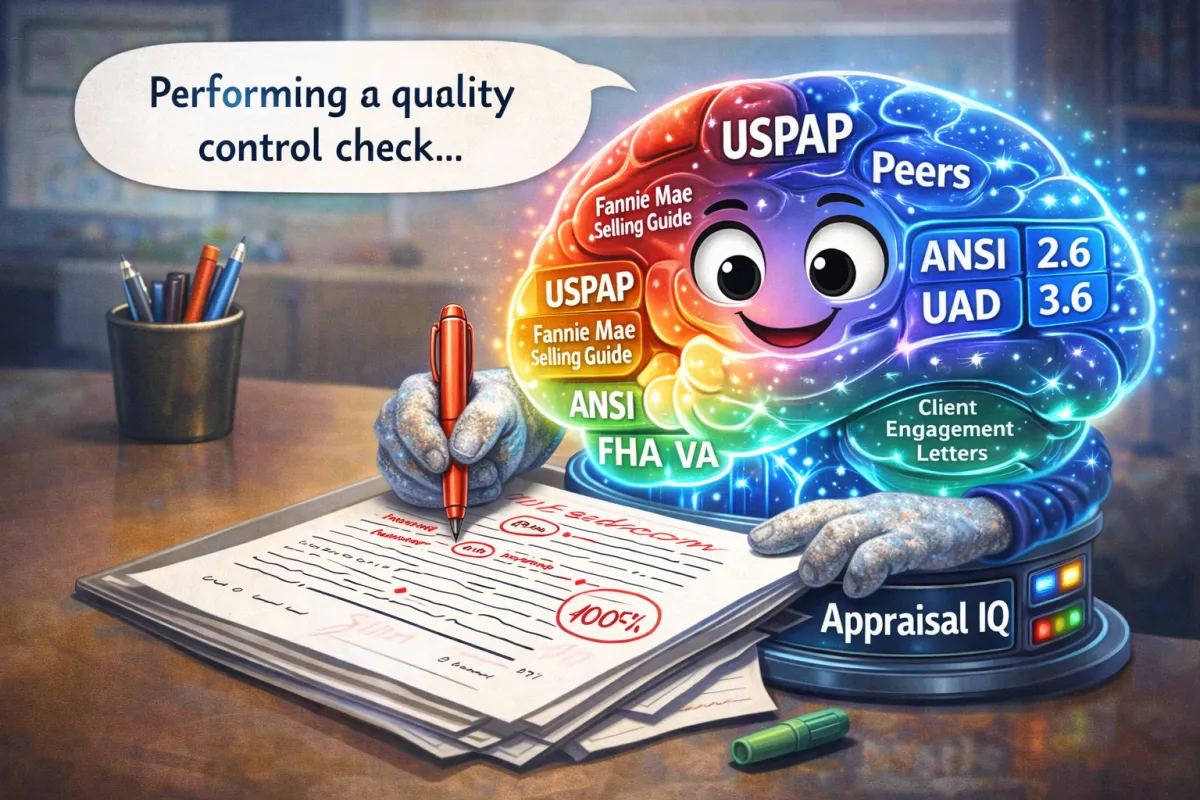
Step 3: Fix Issues Before Submitting
Appraisal IQ is built to help you correct revision triggers before the AMC or lender sees them.
That means you can:
Rewrite risky language into neutral, defensible wording
Strengthen explanations for unusual comps, concessions, updates, or conditions
Resolve inconsistencies between sections (grid vs addendum vs photos)
mprove clarity so reviewers don’t need to ask follow-up questions

Step 4: Use Appraisal IQ to Respond to Revisions
If you do get a revision request, Appraisal IQ can help you:
Reduce friction and close out conditions faster
Draft a professional revision response
Explain decisions more clearly without over explaining
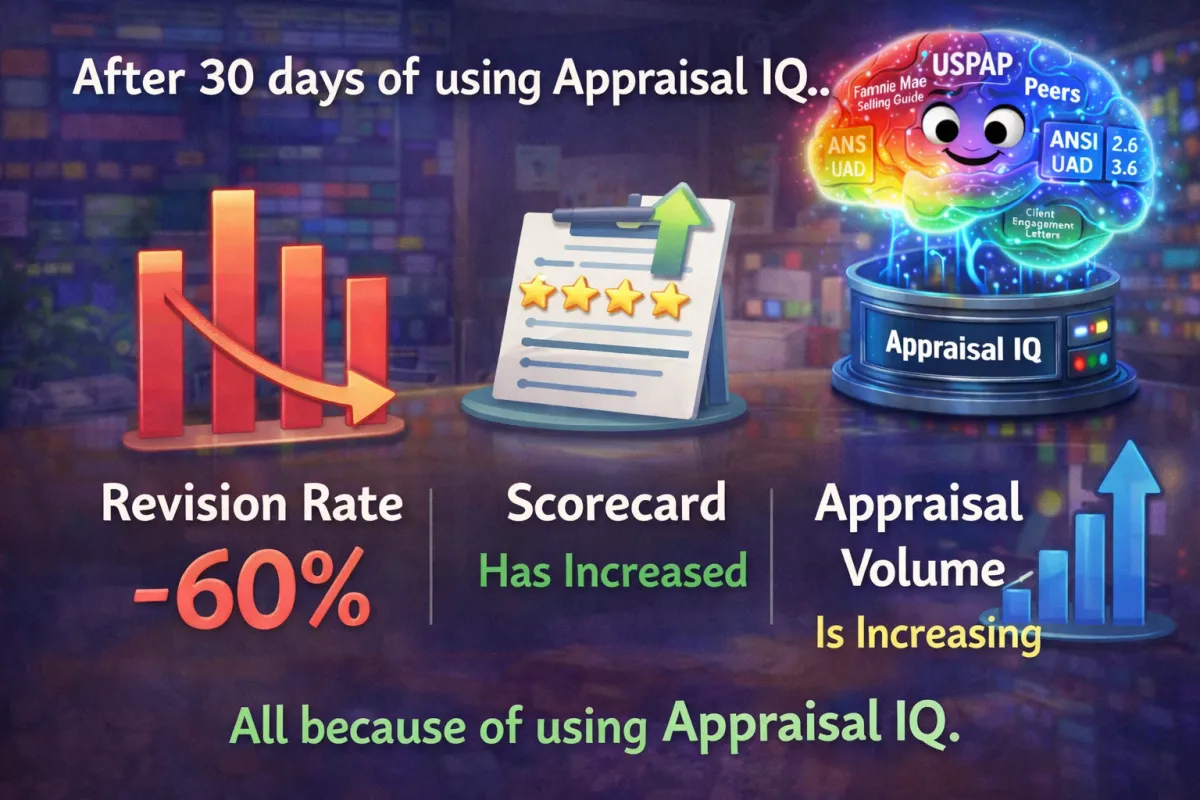
What to Ask Appraisal IQ (Examples You Can Copy)
If you do get a revision request, Appraisal IQ can help you:
Narrative + Compliance
Rewrite this comment so it’s more defensible.
Is this language risky for USPAP or lender review?
Does this explanation sound like boilerplate?
Reviewer Mindset
What would an AMC reviewer question here?
What revision triggers do you see in this section?
Consistency Checks
Check for internal inconsistencies across the report.
Do my photo captions match my condition commentary?
Revision Help
Rewrite my response so it’s short, clear, and neutral.
Help me respond to this revision request professionally.
©Talent Central 365 2025. All Rights Reserved.
© Aprraisal IQ 2025. All Rights Reserved.
Privacy Policy | Terms & Conditions
Compliance & responsible outreach
Appraisal IQ follows applicable federal and state marketing rules. SMS outreach is used only with explicit consent and in jurisdictions where permitted. For Texas contacts, we apply additional safeguards and quiet hours. This site is for businesses only.